Pegasus Frontend
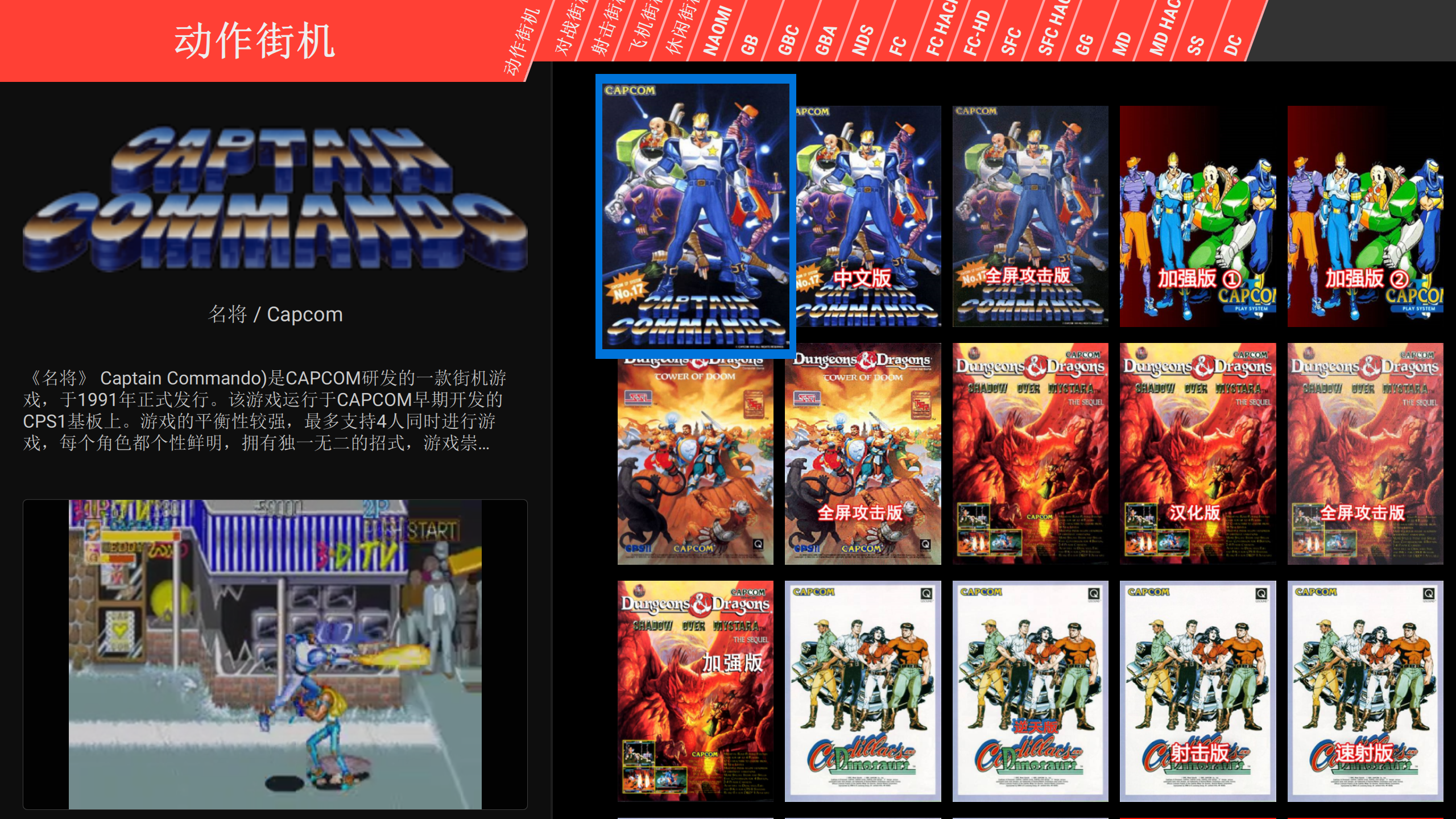
Pegasus is a graphical frontend for browsing your game library and launching all kinds of emulators from the same place. It’s focusing on customizability, cross platform support (including embedded) and high performance. [mmatyas/pegasus-frontend]
Pegasus是一个图形前端,用于浏览您的游戏库并从同一个地方启动各种模拟器。它专注于可定制性、跨平台支持(包括嵌入式设备)和高性能。 [mmatyas/pegasus-frontend]
install
# Arch
yay -S --noconfirm pegasus-frontend-git
# Windows 10
gsudo scoop install k-lite-codec-pack-basic-np
config
-
Get
pegasus-fe*.zipfrom releases of Pegasus Frontend. -
Decompress it to
pegasus-fe/. -
Get portable RetroArch, liked the
Download (64bit). -
Decompress it to
pegasus-fe/RetroArch/. -
Install it.
-
Download the
跳坑者联盟 PegasusG v1.2 完整版. -
Goto
【1】安装程序(安卓+PC)\【PC】专用安装包. -
Decompress
【Win 10及以上专用】天马G_PC主程序 v1.2 230605.7z. -
In
RetroArch, copy these dirs topegasus-fe/RetroArch/:cheats config cores downloads system -
In
config, copy*.txttopegasus-fe/config/. -
Goto
【2】数据文件(安卓+PC)\【1】基础包_110GB. -
Decompress
基础包_110GB Roms.zip.*topegasus-fe/Roms. -
Goto
【3】数据列表(安卓+PC)\【PC】metadata数据列表. -
Replace
pegasus-fe/Roms/**/metadata.pegasus.txtwith them. -
If don’t lanch game in pegasus-fe, check the line that write
launch: ...ofmetadata.pegasus.txt. See more on Metadata files. -
Clone some themes from Pegasus Theme Gallery to
pegasus-fe\config\themes. -
Lanch
pegasus-fe.exe.
subl roms/<platform>/metadata.pegasus.txt
# Windows 10
launch: "{env.PEGASUS_HOME}\RetroArch\retroarch.exe" -L "{env.PEGASUS_HOME}\RetroArch\cores\flycast_libretro.dll" "{file.path}"
# Arch
launch: "/home/<user>/RetroArch/retroarch" -L "/home/<user>/RetroArch/cores/flycast_libretro.so" "{file.path}"
reference
cross-reference
extra
- #script init_pegasus.bat
- #script init_pegasus.sh
resource
mark
- #theme Sleipnir
cache
- #theme Flixnet theme for Pegasus
- #theme Grid Micro theme for Pegasus
- #theme Pegasus Grid theme for Retroid Pocket 2
- #theme pegasus-theme-gpiOS
- #theme RefiOS
- #theme Retro Mega Next
- #theme Retro Mega
- #theme Slick theme for Pegasus
annex