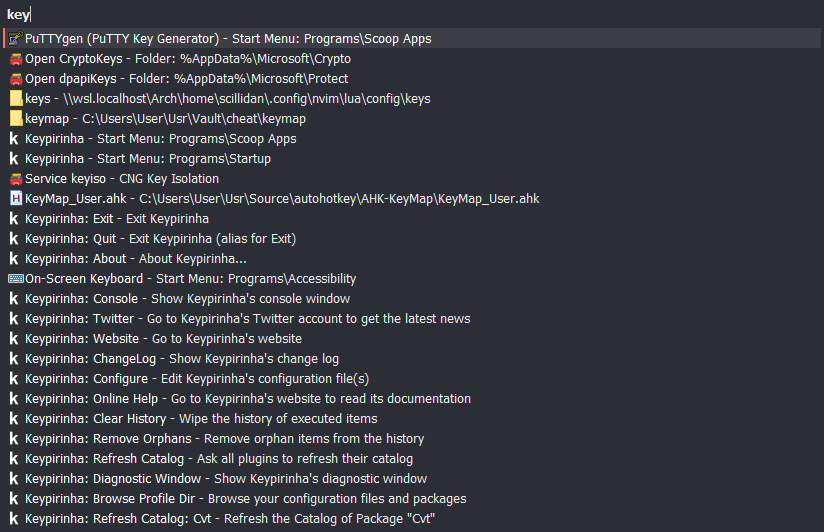
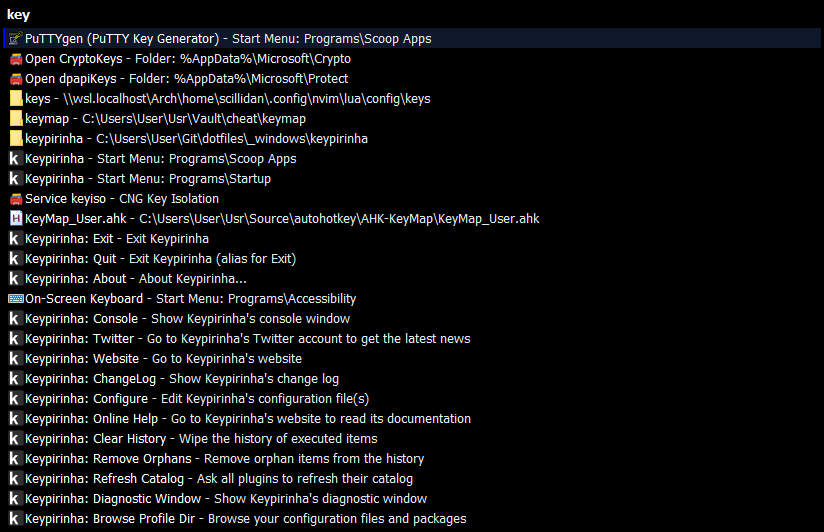
Keypirinha
install
scoop install keypirinha
Personal do
rmdir /S /Q "%SCOOP%\apps\keypirinha\current\portable\Profile\User"
mklink /J "%SCOOP%\apps\keypirinha\current\portable\Profile\User" "%DOTFILES_DIR%\.config\_windows_keypirinha\Profile\User"
mkdir "%USERPROFILE%/Usr/File"
cd "%USERPROFILE%\Usr\File"
git clone --depth=1 https://github.com/scillidan/file_keypirinha_pkg
rmdir /S /Q "%SCOOP%\apps\keypirinha\current\portable\Profile\InstalledPackages"
mklink /J "%SCOOP%\apps\keypirinha\current\portable\Profile\InstalledPackages" "%USERPROFILE%\Usr\File\file_keypirinha_pkg"
cd "%USERPROFILE%\Usr\RepoFork"
git clone --depth=1 https://github.com/scillidan/Keypirinha-PuzzTools
- Alacritty → MBtm → Create Shortcut
- Shortcut → MBtm → Properties → Target → `<path_to>\alacritty.exe –config-file “<path_to>\alacritty.toml” –working-directory “C:\Users\User” –command“
- Keypirinha → MBtn_R → Configure Keypirinha
[external]
terminal = "C:\Users\User\.local\bin\alacritty_command.lnk"
reference
cross-reference
extra
resource
mark
- currency
- cvt
- EasySearch
- keypirinha-theme-builder
- Keypirinha QR Code
- Kill
- MyIpExtended
- PuzzTools
- recent_items
- svc
- symbols
- tldr
- winsys
extra
cache
- Keypirinha_SearchCSV
- Keypirinha Plugin: Audio Switcher
- Keypirinha Plugin: ChronoTools
- Keypirinha Plugin: epoch
- Keypirinha Plugin: FakerData
- Keypirinha Plugin: foobar2000
- Keypirinha Plugin: Git-Fork
- Keypirinha Plugin: MovieDB
- Keypirinha Plugin: MyIP
- Keypirinha Plugin: quicknote-markdown
- Keypirinha Plugin: Steam
- Keypirinha WindowsApps
- keypirinha-allmygames
- keypirinha-chocolatey
- keypirinha-devdocs
- keypirinha-monitorcontrol
- keypirinha-notionSearcher
- keypirinha-Playnite
- Keypirinha-Plugin-Ditto
- Keypirinha-Recoll
- keypirinha-terminal-profiles
- PackageControl-Server
- PowerSwitch Plugin for Keypirinha
annex